ClickUp Backup, Protect Your Team’s Productivity
Challenge
Solution
Learn more about HYCU and ClickUp

Frequently asked questions
How often does HYCU backup ClickUp data?
The backup frequency is customizable based on your needs. HYCU can perform backups as often as every 4 hours to ensure you have granular recovery points.
Where are the ClickUp backups stored?
Backups are stored in a storage target owned by your organization, not accessible to HYCU. You can automatically store backups in Amazon S3 Buckets. Azure Blob Storage, Google Cloud Storage, and S3-Compatible storage like Wasabi. This means your critical data is not in the hands of yet another third party vendor but fully in your control.
How long can I keep my backups with HYCU?
Retention policies are flexible and can be configured as needed. HYCU supports keeping daily, weekly, monthly and yearly backup copies for the desired timeframes.
Is the HYCU recovery process for ClickUp simple?
Absolutely. HYCU provides an intuitive interface to quickly search for and recover ClickUp data at a granular level. You can restore Spaces, Folders, Lists or individual items.
What data can HYCU restore in ClickUp?
HYCU can backup and restore individual workspaces, spaces, folders, lists, tasks, sub-tasks, and attachments.
Read why HYCU customers love our simple, flexible data protection software
Start protecting your ClickUp project for free
Ensuring Continuous Productivity
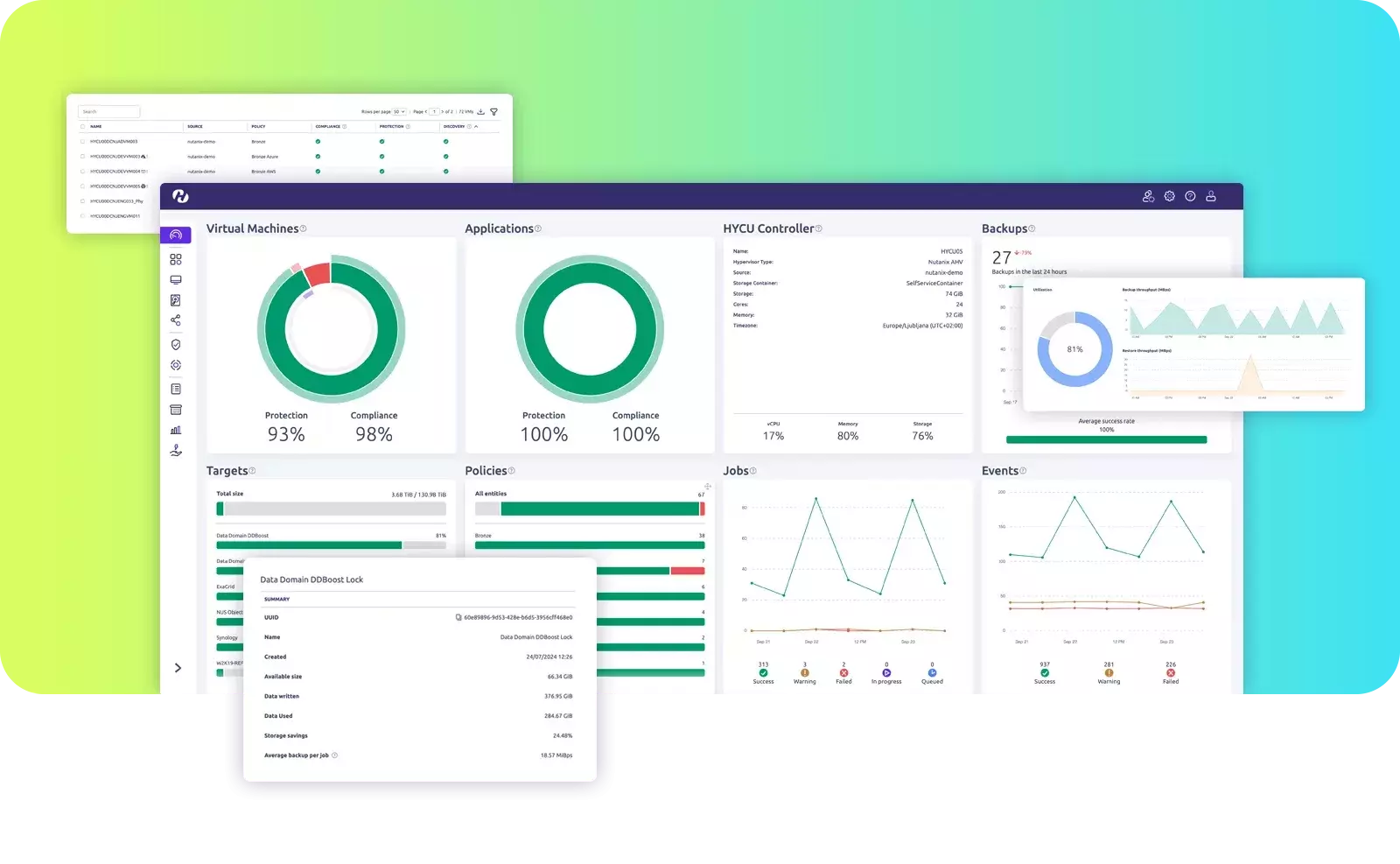
- Visualize your entire data estate and identify unprotected data across on-premises, cloud and SaaS.
- Set-and-forget backup with automated, hassle-free backups with no additional management needed.
- Granular Recovery to where you want and when you want.
- Your data always remains with you and in your choice of region.