Reliable backup & recovery for Microsoft Entra ID (Azure AD)
See for yourself
Learn more about HYCU and Microsoft Entra ID
Frequently asked questions
For how long can I retain my backups?
HYCU lets you choose your backup frequency and your retention period. You can schedule backups with flexibility down to the hour and you can retain your backups for years. There are no limits.
Where is the backup data stored?
One of HYCU’s core advantages is that you can store your backup in own storage. This means that you have complete control over your data, eliminating any additional third-party risks.
Does the solution require much manual intervention once it’s set up?
You only need to spend a few minutes every week to monitor your backups. HYCU is designed to save you from hours of manual work.
Does HYCU support Single Sign-On (SSO)?
Yes, HYCU supports Single Sign-On (SSO) integration with Microsoft Entra ID (Azure AD) for user authentication. This allows users to log in to HYCU using their Microsoft Entra ID (Azure AD) credentials, providing a seamless and secure authentication experience.
Can’t I just use Microsoft Entra ID’s native recovery features?
The native features do not provide a comprehensive backup of all your Microsoft Entra ID configurations and settings. Microsoft Entra ID's recycle bin allows you to restore deleted applications, users, and Microsoft 365 groups within a 30-day window, after which they're permanently deleted.
Read why HYCU customers love our simple, flexible data protection software
Start protecting your Microsoft Entra ID data for free
The only solution with comprehensive IAM data protection
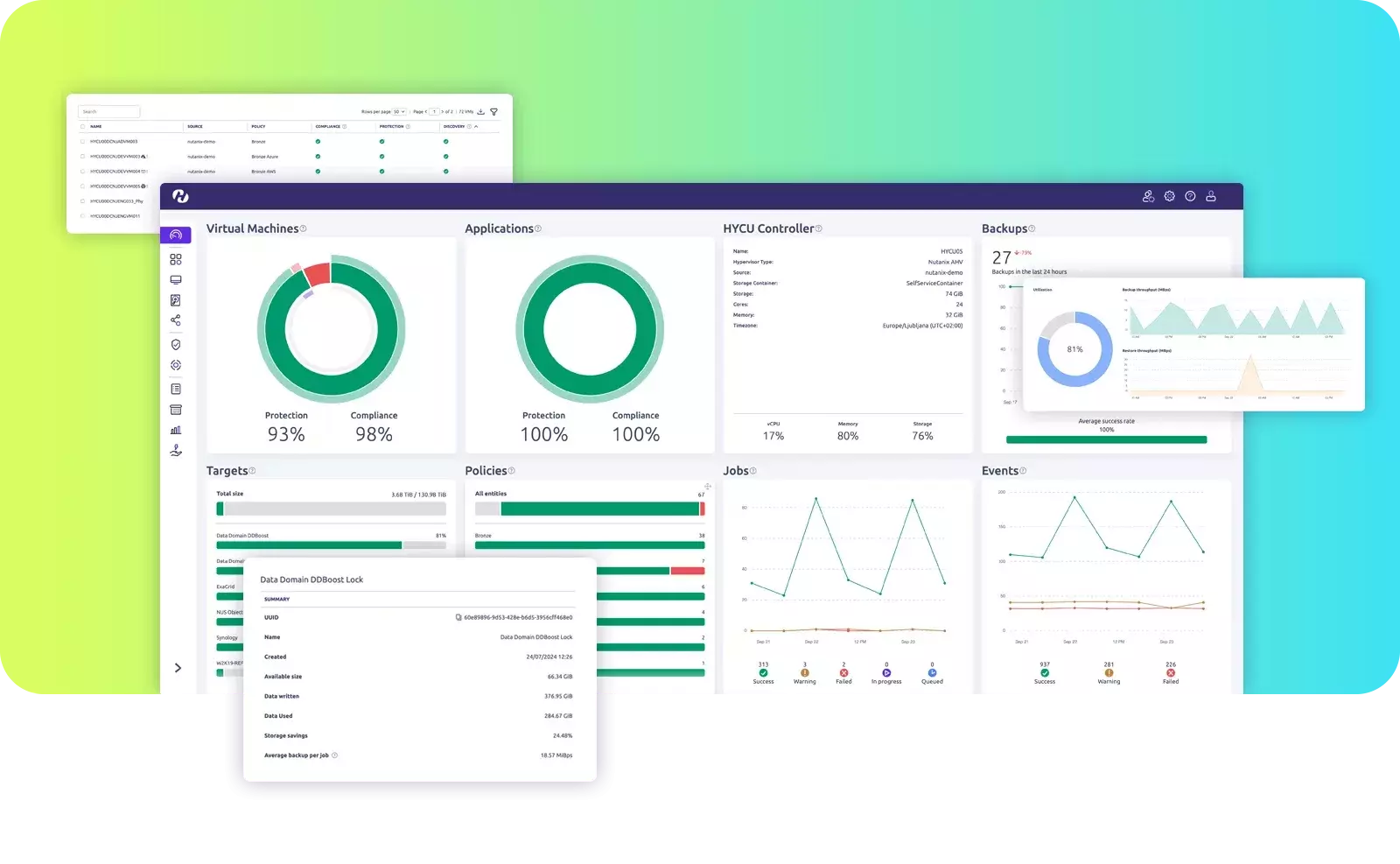
- Flexible backup frequency with unlimited retention
- One-click item-level data recovery
- Autopilot backups with ‘set and forget’ policies
- Immutable ransomware-proof copies
- Off-site backup storage in customer owned storage