

Two hours of downtime. Close to half a million dollars in lost billable time for a 200-attorney firm. That's the number that we opened with in our recent webinar highlighting HYCU R-Serve for iManage Cloud, HYCU's new continuous access layer for iManage.
There were a number of outstanding questions from those who attended the webinar live. Questions didn’t just focus on the why behind HYCU R-Serve for iManage Cloud but attendees were asking about the mechanics: who gets access, what happens to permissions, whether this replaces anything they already pay for.
Highlights and Answers to The Top Five Questions
1. In the event an additional layer of resilience is needed, can attorneys get their own files, or does everything route through IT?
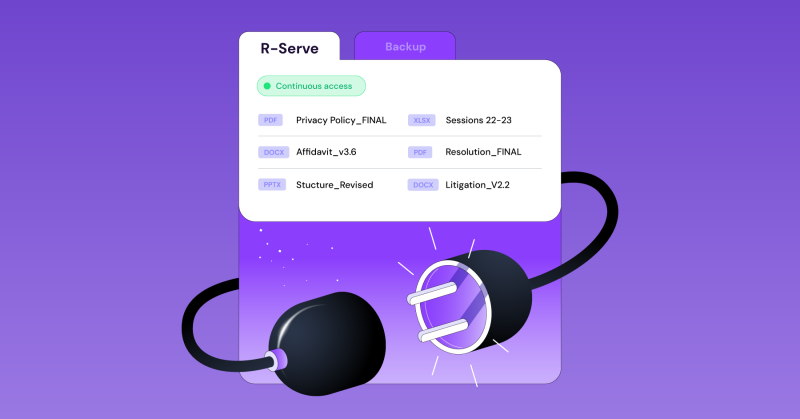
Self-serve is the whole design. Attorneys sign into R-Serve with the same SSO they already use for iManage, find their documents, and download what they need. No ticket. No waiting on an admin team that's already handling a firm-wide incident.
That matters more at scale than it sounds. For a 1,000-attorney firm, routing every access request through IT during an outage creates a queue no admin team clears fast enough. R-Serve removes the queue. Every login and download is still logged, so IT keeps full visibility without becoming the bottleneck.
2. Can attorneys edit or upload documents while R-Serve is active?
No, by design. R-Serve is read-only. Attorneys download a document, work on it locally, and manually re-upload it to iManage once service is restored.
The alternative, letting people edit inside R-Serve, creates a second live copy of a document that can drift out of sync with the original. For a firm managing millions of documents, that's a worse problem than the outage itself.
3. Does R-Serve respect the same permissions we already have in iManage?
R-Serve access is scoped by author and operator, one of the access control layers the iManage platform uses. Attorneys only see documents where they are either an author or an operator. Nobody gets broader access during an outage than they had the day before.
Admins get a wider view, bulk downloads, advanced filtering, full audit logs, but the same permission rules still govern what any individual user can reach.
4. Is R-Serve a separate purchase, or does it come with what we already have?
It's part of the R-Cloud license. If you're already protecting iManage libraries with HYCU R-Cloud, you turn on automated incremental exports, deploy the R-Serve service in your cloud environment, and R-Serve is live. No new contract, no separate procurement cycle.
Law firms wanting a cost estimate specific to their library count or attorney headcount can still get one directly from HYCU.
5. Can we control how much data gets exported, and for how long?
Yes. You set the export window yourself, whether that's from the start of the year or a narrower recent range. Today that window is a fixed start date rather than a rolling one, though HYCU has said a rolling scope is on the roadmap.
On storage, R-Serve currently runs on Azure and AWS, with additional providers planned. All of it, backup storage and export storage, stays in the customer's own cloud environment under the customer's control. HYCU never holds the data itself.
The Takeaway
Recovery gets your data back after something breaks. R-Serve keeps attorneys working while it's still broken. For a firm where two hours of inaccessible data can cost half a million dollars before anyone even talks about missed deadlines or client trust, that's not a nice-to-have layer. It's the piece backup alone was never built to cover.
See it in action: Take the R-Serve product tour or explore HYCU for law firms.

Get the newest insights and updates
By submitting, I agree to the HYCU Subscription Agreement , Terms of Usage , and Privacy Policy .