Reliable Backup and Recovery for Trello
Challenge
Solution
Learn more about HYCU and Trello





Frequently asked questions
If I delete something in Trello, can I recover just that specific board or card?
Absolutely. HYCU’s granular recovery options allow you to restore individual Trello objects, including specific boards, lists, cards, attachments, and more.
How often are backups performed and how long are they retained?
HYCU allows flexible backup scheduling with retention policies that suit your organization's needs, ensuring your Trello data is continuously protected and available for recovery.
Can I store my Trello backups in my own AWS S3 bucket or Google Cloud storage?
Yes, HYCU supports customer-owned storage targets such as AWS, Azure, Google Cloud, and Wasabi, giving you full control over your backup data.
How do I get started with setting up HYCU backups for my Trello data?
Setting up HYCU for Trello is easy. Simply create an API token and key for your Trello account, add them to the HYCU R-Cloud module, and assign your backup policies.
Is my Trello data encrypted by HYCU both in-transit and at-rest?
Yes, HYCU encrypts Trello data both in-transit and at-rest, ensuring your data remains secure and compliant with regulatory requirements.
Read why HYCU customers love our simple, flexible data protection software
Start protecting your Trello data for free
Start Protecting Your Trello Data for Free Today!
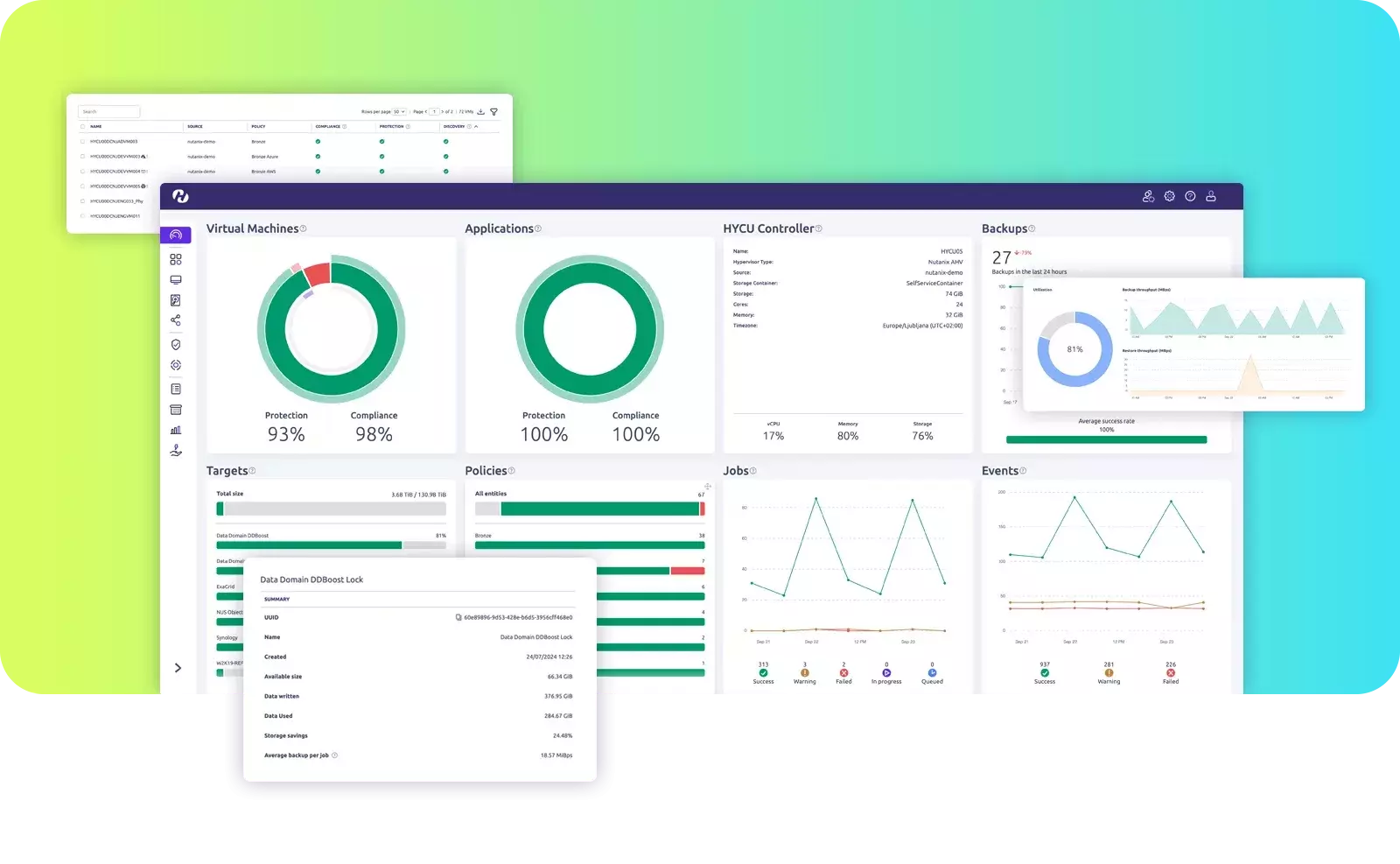
- Store your Trello backups in customer-owned storage like AWS, Azure, Google Cloud, or Wasabi
- One-click restore for workspaces, boards, lists, cards, and attachments
- Granular recovery options for restoring specific Trello objects
- Automated, scheduled backups with no manual effort required
- User-friendly interface for easy backup and restore management